
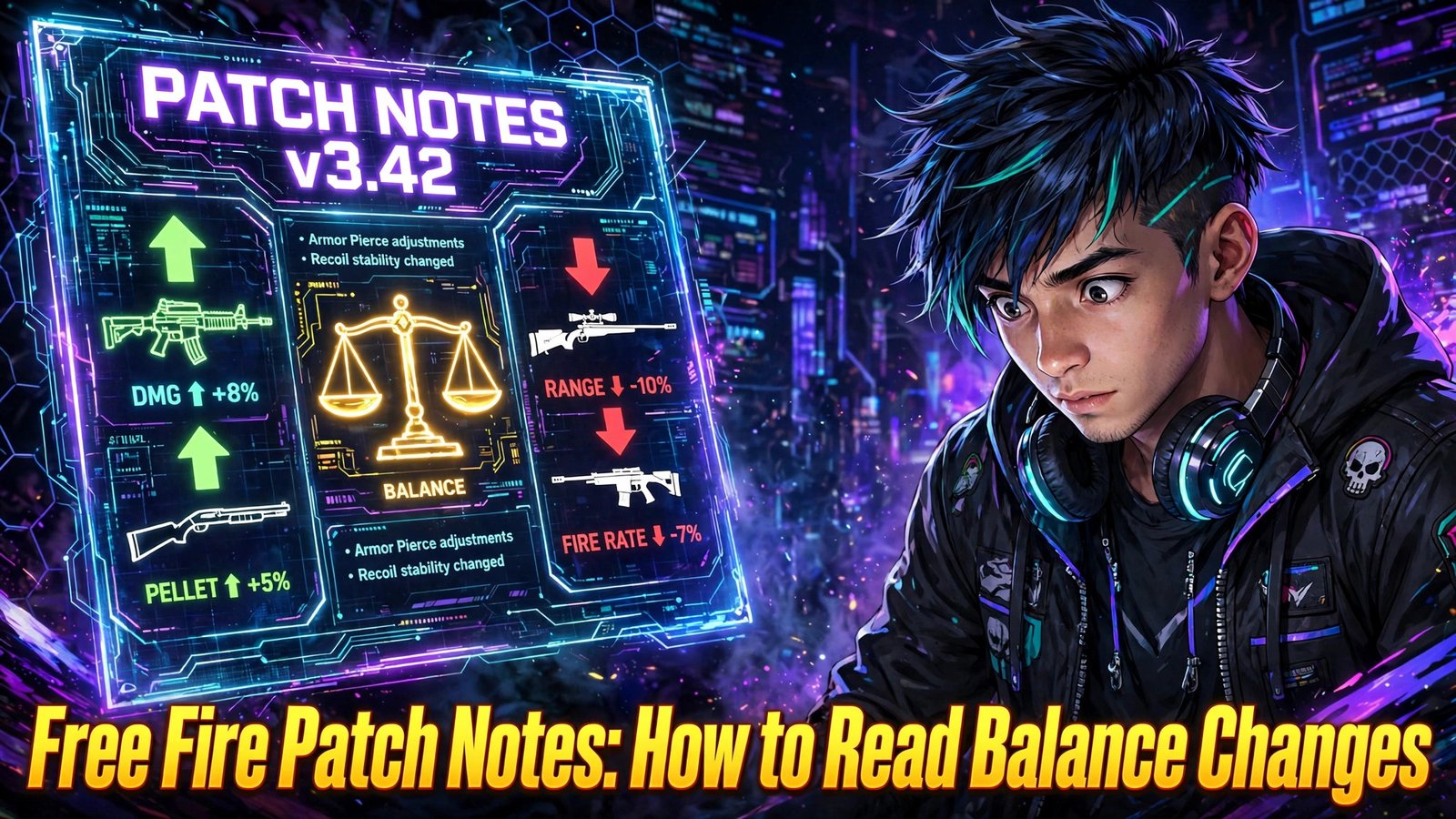
Every major Free Fire update arrives with a long list of adjustments, and most players scroll straight past them to reach the new content. That is a missed opportunity, because this patch notes guide will show you that the notes quietly decide which weapons feel strong, which characters climb the ranked ladder and which old habits stop working. With balance changes explained in plain language, you will learn how to spot the buffs and nerfs that actually matter to your loadout, and why careful patch notes reading gives you a head start over players who only discover the changes mid-match.
Patch notes are not written for entertainment. They are Garena’s official record of what changed under the hood in an update: weapon statistics, character abilities, pet skills, system rules and quality-of-life fixes. Learning to read them properly takes one update cycle of practice, and after that you will understand every new season faster than most of your squad.
What Patch Notes Actually Contain
A typical set of Free Fire patch notes is divided into sections, and knowing the sections helps you jump straight to what affects you. The weapon section covers damage, range, rate of fire, magazine size, reload speed and accuracy adjustments for individual guns. The character section covers ability cooldowns, durations, ranges and values for active and passive skills. Pets get their own smaller section, because a pet skill that triggers more often or lasts longer can quietly change close fights.
Beyond those three, notes usually include system changes: ranked rules, Clash Squad economy, crafting or vending prices, gloo wall behaviour, and mode-specific tweaks. There is also a bug-fix list, which most players ignore, even though a fixed bug sometimes explains why a favourite trick suddenly stops working. Finally, notes may describe optimisation work, such as smoother performance on low-end devices, which matters more than it sounds during long sessions.
The important habit is to read the whole document once, quickly, and then return to the sections touching the weapons, characters and pets you personally use. Reading everything in depth is unnecessary; missing the one line about your main gun is the real risk.
The Language of Buffs and Nerfs
Patch notes use a small vocabulary, and once you learn it, every future update becomes easier. A buff is any change that makes something stronger: higher damage, shorter cooldown, longer duration, bigger range. A nerf is the opposite: lower values, longer cooldowns, tighter limits. Some changes are mixed, where one value rises and another falls, and those are the ones that need the closest reading because the headline rarely tells the full story.
Numbers appear in two forms. Percentages describe relative change, so a weapon dealing a few percent more damage keeps that advantage at every range where the stat applies. Flat values describe absolute change, such as a cooldown reduced by a set number of seconds. Flat changes matter most at the extremes: a small flat reduction on a short cooldown is proportionally huge, while the same reduction on a long cooldown is barely noticeable.
Watch for wording about base stats versus scaled stats. A change to a weapon’s base damage affects every shot before attachments and character skills modify it, so it ripples through every calculation. A change to a bonus percentage, such as headshot multipliers or skill boosts, only affects the situations where that bonus applies. Notes also sometimes adjust hidden-feeling values like recoil patterns, movement speed while aiming, or armour penetration, which do not show up in simple damage comparisons but strongly shape how a gun feels.
Why Small Numbers Change Big Fights
New readers often dismiss a change of one or two points as meaningless. In a fast game like Free Fire, it rarely is. Damage numbers interact with health totals and armour, so a tiny increase can reduce the number of shots needed to knock an opponent, and one fewer shot is an enormous advantage in a duel where both players fire at the same time. A slightly faster reload decides who shoots first after the first magazine. A slightly shorter ability cooldown means a skill is ready for the next fight instead of the one after.
Small changes also stack across a loadout. If your main weapon, your character skill and your pet were all nudged in the same update, the combined effect can be much larger than any single line suggests. This is why experienced players re-evaluate their whole setup after a balance pass instead of checking one item in isolation.
The reverse is also true: a weapon that received a small nerf is not suddenly useless. Balance changes usually aim to narrow gaps, not to delete options. If a gun still suits your range and playstyle, a minor adjustment may change almost nothing about your results, and abandoning a comfortable weapon over a tiny number is its own mistake.
Character, Pet and System Changes Hide the Real Shifts
Weapon lines get the attention, but character and pet adjustments often move the meta further. A cooldown change on a popular active skill alters how often entire teams can force fights. A passive that heals, shields or boosts speed by a slightly different amount changes which character combinations dominate ranked play. Because these values trigger constantly during a match, even modest edits accumulate into a different feel across a whole session.
System changes deserve the same respect. Adjustments to ranked point calculations, zone timing, or in-match economy change how matches should be played, not just what to carry. When notes mention map or mode adjustments, treat them as strategy information: our overview of Free Fire new map updates and what changed this season explains how to evaluate those changes on the ground once you are in the game.
Bug fixes belong in this category too. A fix described in one short line can remove an unintended advantage some players relied on, or restore a mechanic that had silently stopped working. If something you used every match suddenly behaves differently after an update, the bug-fix section is the first place to look for the explanation.
How to Test the Changes Yourself
Reading tells you what changed on paper; the training ground tells you what changed for you. After an update, spend a short session testing your main weapons at different ranges against targets, paying attention to shots-to-knock, recoil control and reload timing. Compare how the gun feels now against your memory of last season, and repeat the test with any attachments you normally use, because attachment values sometimes change alongside the weapon itself.
Close-range weapons deserve special attention because their fights end fastest and small stat changes show up immediately. If you main shotguns or SMGs, our breakdown of the best Free Fire guns for close range gives you a solid baseline for judging whether your favourite still earns its slot after a balance pass.
Test characters and pets in the same deliberate way. Run a few matches with your usual combination and note when skills become available compared with before. If a cooldown change means your ability is ready one fight earlier each match, that is a genuine upgrade to your play, even if the notes made it sound minor.
Build Your Personal “What Changed for My Loadout” Checklist
The most useful habit this patch notes guide can give you is a short personal checklist you run after every update. It takes ten minutes and removes all guesswork.
- List your loadout: your two main weapons, character, pet and the modes you play most.
- Search the notes: find every line mentioning those items, including the bug-fix section.
- Mark direction: label each change buff, nerf or mixed, and note the exact value that changed.
- Check interactions: ask whether changes combine, such as a weapon buff landing alongside a nerf to the character skill you paired with it.
- Test before ranked: run training-ground and casual matches before trusting the setup in ranked play.
- Watch the next update: before a new patch lands, skim previews so you know which of your items are likely to be touched; our look at the Free Fire OB56 update and its expected features shows how to separate reasonable expectations from rumours.
Keep the checklist somewhere you will actually use it, such as a note on your phone. After two or three updates it becomes automatic, and you will start each season knowing exactly where your loadout stands while other players are still guessing.
Frequently Asked Questions
Where does Garena publish official patch notes?
Garena publishes patch notes through the game’s official website, in-game news section and official social channels around each major update. Always read the official version rather than screenshots or summaries on fan pages, because copied notes can contain errors or invented values.
How do I know if a change is a buff or a nerf?
Compare the new value with what the item did before. Higher damage, longer durations and shorter cooldowns are buffs; lower damage, shorter effects and longer cooldowns are nerfs. If one value rises while another falls, treat it as a mixed change and test the item yourself.
Do small percentage changes really matter in matches?
Yes, often more than players expect. Damage values interact with health and armour, so a small increase can reduce the shots needed to knock an opponent, and a small cooldown cut can make a skill available for an extra fight each match.
Should I change my main weapon after every nerf?
Not automatically. Most nerfs narrow a weapon’s advantage rather than remove it. Test the weapon after the update, and only switch if the change clearly disrupts your range, playstyle or shots-to-knock in real fights.
Conclusion
Patch notes stop being intimidating once you read them with a system: scan every section, translate the buff and nerf language into plain meaning, and check each line against your own loadout before testing the changes in the training ground. Small numbers matter, character and system changes matter just as much as weapon lines, and a ten-minute checklist after each update keeps your setup honest all season. Keep this method ready for the next balance pass, and if you need the current version first, download from this website and read the official notes before your first ranked match.
