Close Menu
ComploVipFFComploVipFF
    Facebook X (Twitter) Instagram
    ComploVipFFComploVipFF
    • Home
    • ComploVipFF
    • Redeem Codes
    • Latest Updates
    • Promotions
    • Events
    • Free Fire
    • Roblox
    • Settings
    ComploVipFFComploVipFF
    Home»Free Fire»Free Fire Display Settings New: Options for Mobile Gameplay
    Free Fire

    Free Fire Display Settings New: Options for Mobile Gameplay

    AdminBy AdminSeptember 28, 2026Updated:September 28, 20261 Comment2 Mins Read6 Views
    Facebook Twitter Pinterest LinkedIn Telegram Tumblr Email
    Free Fire Display Settings New: Options for Mobile Gameplay
    Free Fire Display Settings New: Options for Mobile Gameplay
    Share
    Facebook Twitter LinkedIn Pinterest Email

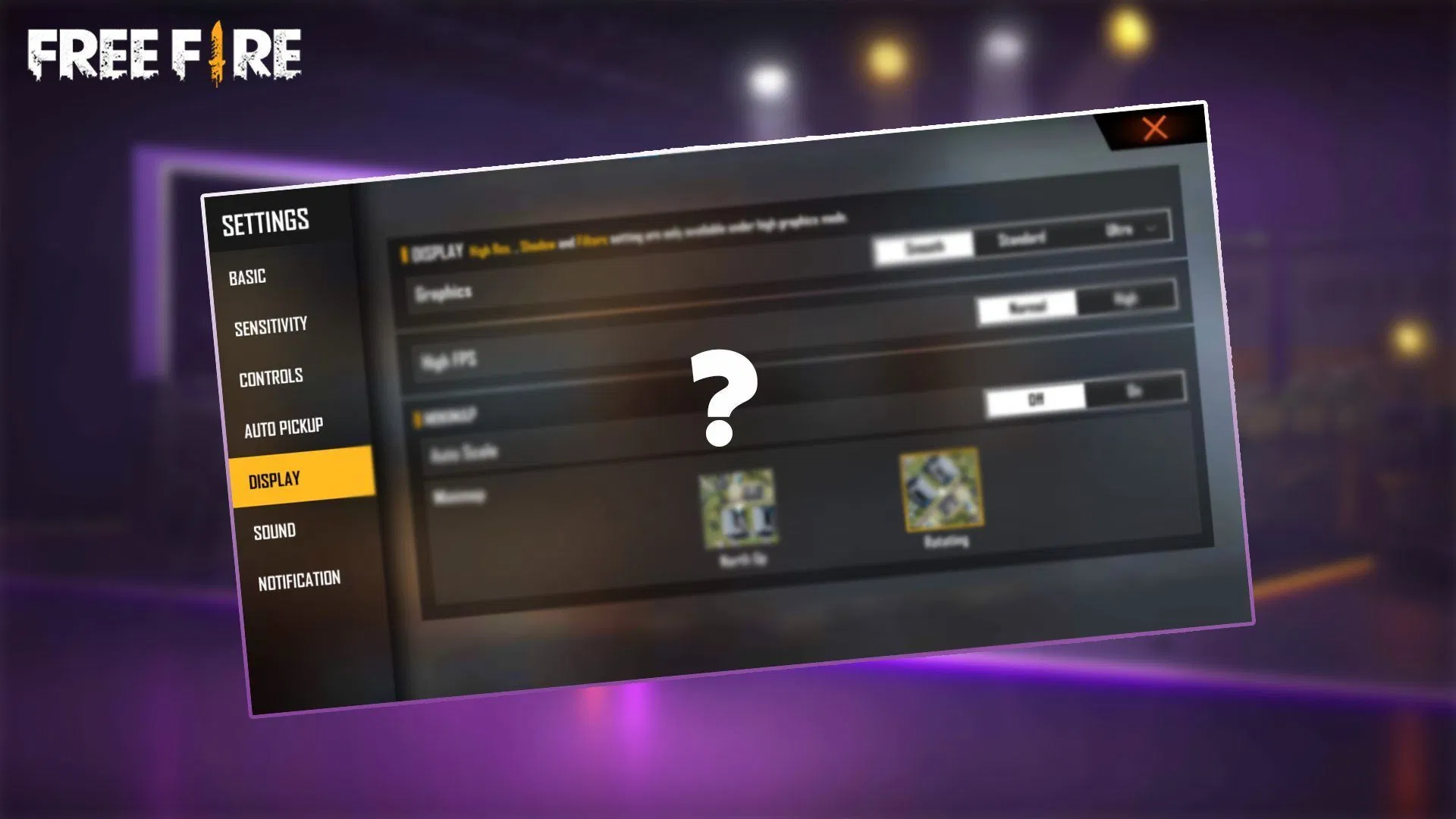
    Free Fire Display Settings can help improve visual smoothness and maintain stable mobile gameplay. Use the following setup as a simple starting point, then adjust it according to your phone.

    Free Fire Display Settings

    SettingRecommended Option
    GraphicsStandard
    High FPSON
    Frame Rate EnhancementON
    Experimental FPS BoostTest
    ShadowsOFF
    High-Quality EffectsOFF
    Screen Refresh RateHighest Stable
    Brightness70–80%
    Battery SaverOFF

    Low-End Phone Settings

    For entry-level or older phones:

    Graphics: Smooth
    High FPS: ON
    Frame Rate Enhancement: ON if available
    Experimental FPS Boost: Test
    Shadows: OFF
    Effects: Low
    Refresh Rate: Highest stable option

    Mid-Range Phone Settings

    For most mid-range devices:

    Graphics: Standard
    High FPS: ON
    Frame Rate Enhancement: ON
    Experimental FPS Boost: ON if stable
    Shadows: OFF
    Effects: Medium
    Refresh Rate: High

    High-End Phone Settings

    For newer high-performance phones:

    Graphics: High or Ultra
    High FPS: ON
    Frame Rate Enhancement: ON
    Experimental FPS Boost: ON if supported
    Shadows: ON
    Effects: High
    Refresh Rate: Highest available

    Quick Tips

    Keep High FPS ON when your device can maintain stable performance.

    Use Smooth or Standard graphics if you experience frame drops.

    Turn Shadows OFF when you want to reduce visual load.

    Use the phone’s highest stable refresh rate, but remember that a 120Hz display does not automatically mean Free Fire will run at 120 FPS.

    If the phone becomes hot or gameplay starts stuttering, lower the graphics level first.

    For most players, Standard Graphics + High FPS + Shadows OFF is a good balanced starting point.

    Conclusion

    Free Fire Display Settings can help create smoother and more stable mobile gameplay. Start with Standard Graphics, High FPS, Frame Rate Enhancement, and Shadows Off, then adjust options based on your phone’s performance. A balanced setup can provide clear visuals without putting unnecessary load on your device.

    Display Settings Free Fire Display Settings Free Fire Display Settings New Mobile Gameplay
    Share. Facebook Twitter Pinterest LinkedIn Tumblr Email
    Admin
    • Website

    I’m a passionate gaming content writer focused on Free Fire news, updates, rewards, guides, and gameplay tips. I create clear, useful, and easy-to-understand content to help players stay informed and make the most of their gaming experience.

    Related Posts

    Free Fire Advance Server: Download, Registration, APK & Setup Guide

    October 17, 2026

    Free Fire India Launch Date: Latest News and Release Status

    October 10, 2026

    Free Fire Diamonds ID Code Today: Get Free Diamonds Fast Now!

    October 1, 2026

    Free Fire Characters 2026: New Abilities and Gameplay Roles

    September 23, 2026

    1 Comment

    1. Pingback: Free Fire Diamonds ID Code Today: New Codes and Rewards

    Leave A Reply Cancel Reply

    New Trick !
    Free Reedem Codes! →
    Optic Grow Agency

    Optic Grow Agency

    Optic Grow Agency Advertisement
    Advertisement

    Optic Grow Agency

    Optic Grow Agency Advertisement
    Advertisement
    Search
    Recent Posts

    50 Nombres para Parejas en Free Fire para Copiar (2026)

    October 27, 2026

    Best Free VPN for Fire Stick: Top Picks for 2026

    October 26, 2026

    Free Fire Advance Server: Download, Registration, APK & Setup Guide

    October 17, 2026

    Free Fire India Launch Date: Latest News and Release Status

    October 10, 2026

    Why Did Itachi Touch Sasuke’s Forehead in Naruto?

    October 7, 2026

    CurseForge Minecraft Bedrock: Addons & Installation

    October 3, 2026
    About Us

    ComploVipFF provides useful gaming guides, tips, updates, redeem codes, characters, weapons, settings, events, and more to help players stay informed and improve their gaming experience. Find practical gaming content and the latest insights in one place.

    Our Picks

    50 Nombres para Parejas en Free Fire para Copiar (2026)

    October 27, 2026

    Best Free VPN for Fire Stick: Top Picks for 2026

    October 26, 2026
    Contact Us

    We appreciate your feedback! If you have a question, need assistance, or want to connect, feel free to reach out. Our team is always here to help you.

    Email: officialopticgrow@gmail.com
    Address:
    20 Crafts Ave, USA

    © 2026 | All Rights Reserved By | ComploVipFF
    • About Us
    • Disclaimer
    • Terms & Conditions
    • Privacy Policy
    • Contact Us

    Type above and press Enter to search. Press Esc to cancel.